4. Go to a class
When you click a lesson from the timetable, you’ll be taken to the Lesson Management Screen.
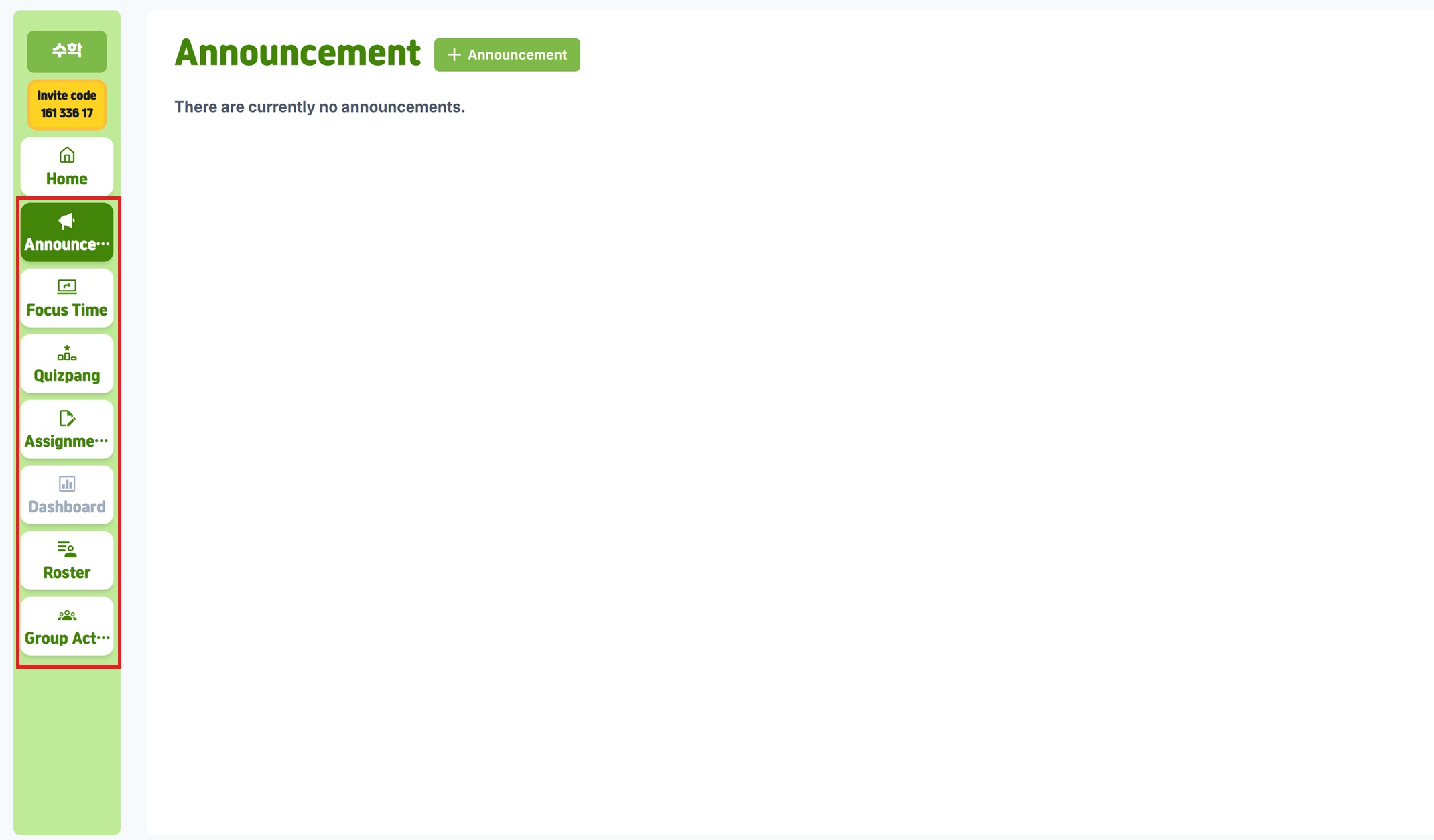
Key Lesson Management Features
The lesson screen includes powerful tools to help you run digital lessons efficiently:
- Class Announcements: Share important information and instructions with students
- Focus Time: Create a distraction-free learning environment and monitor students in real time
- Quizpang: Assess learning and give instant feedback to boost understanding
- Assignments: Assign, collect, and grade homework in an organized way
- Student Management: Track individual student progress and participation
- Group Activities: Organize teamwork and collaborative projects
Benefits of Lesson Management
Integrated System
Manage all lesson-related activities in one place, making your class more efficient and organized.
Real-Time Monitoring
See students’ learning activity in real time, allowing you to give immediate feedback and guidance.
Data-Driven Teaching
Use insights on participation, comprehension, and learning patterns to design more effective teaching strategies.