Class Announcements
📍 Main Page → Click your class in the timetable → Click [Announcement] on the left sidebar
Class Announcements is a feature teachers can use to share important information with students. You can post homework instructions, reminders about materials, test schedules, or any other important notices.
How to create an announcement
Step 1: Write a new announcement
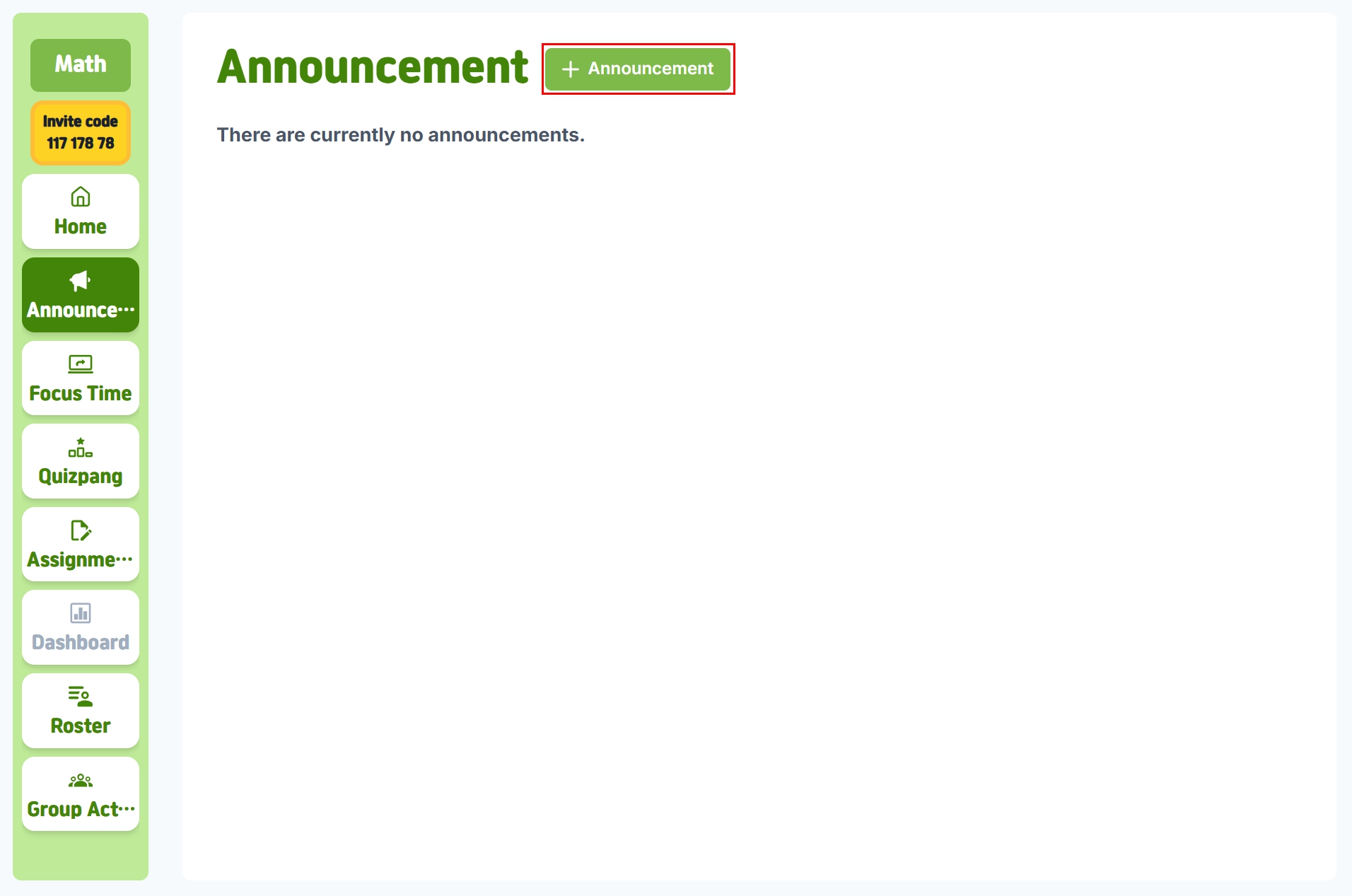
Click the [+ Announcement] button to open the announcement editor.
Step 2: Fill in the details
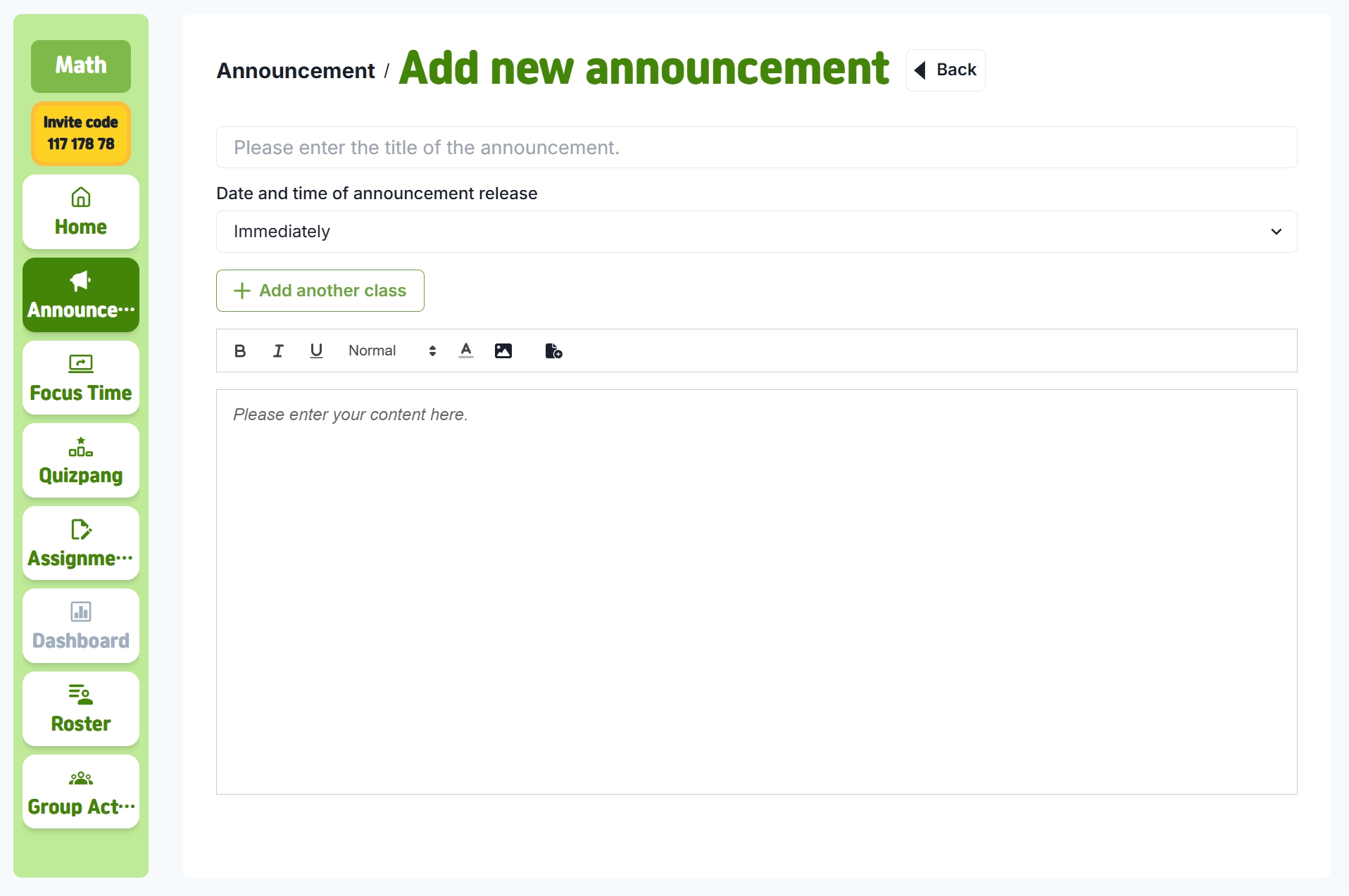
Complete the following fields:
- Title: A clear and specific title that shows what the announcement is about
- Publish time: Choose when the announcement will be shared
- Publish now – Students can see the announcement immediately
- Schedule publish – Set a specific date and time to release the announcement
- Content: Write the details you want to share with students
- Attachments: Add related files or images if needed
Multi-class announcements feature
Click [+ Add Another Class] to post the same announcement to multiple classes. This is useful if:
- You teach the same subject to several classes
- You need to share school-wide or grade-level announcements
Step 3: Post the announcement
Click [Post] to make the announcement available to students.
Edit or Delete an Announcement
Edit
In the announcement list, click [View Content] for the announcement you want to edit, then update the details.
Delet
In the announcement list, click [Delete] to remove an announcement.
Monitoring Announcements
Use the Read Check feature to track student engagement:
- Read list: Students who have read the announcement
- Unread list: Students who have not yet read the announcement
- Read time: The exact time each student checked the announcement