2. Sign Up / Log In
To use focuspang for effective digital lessons, you first need to log in with a teacher account.
Account Request & Registration
How to apply for an account
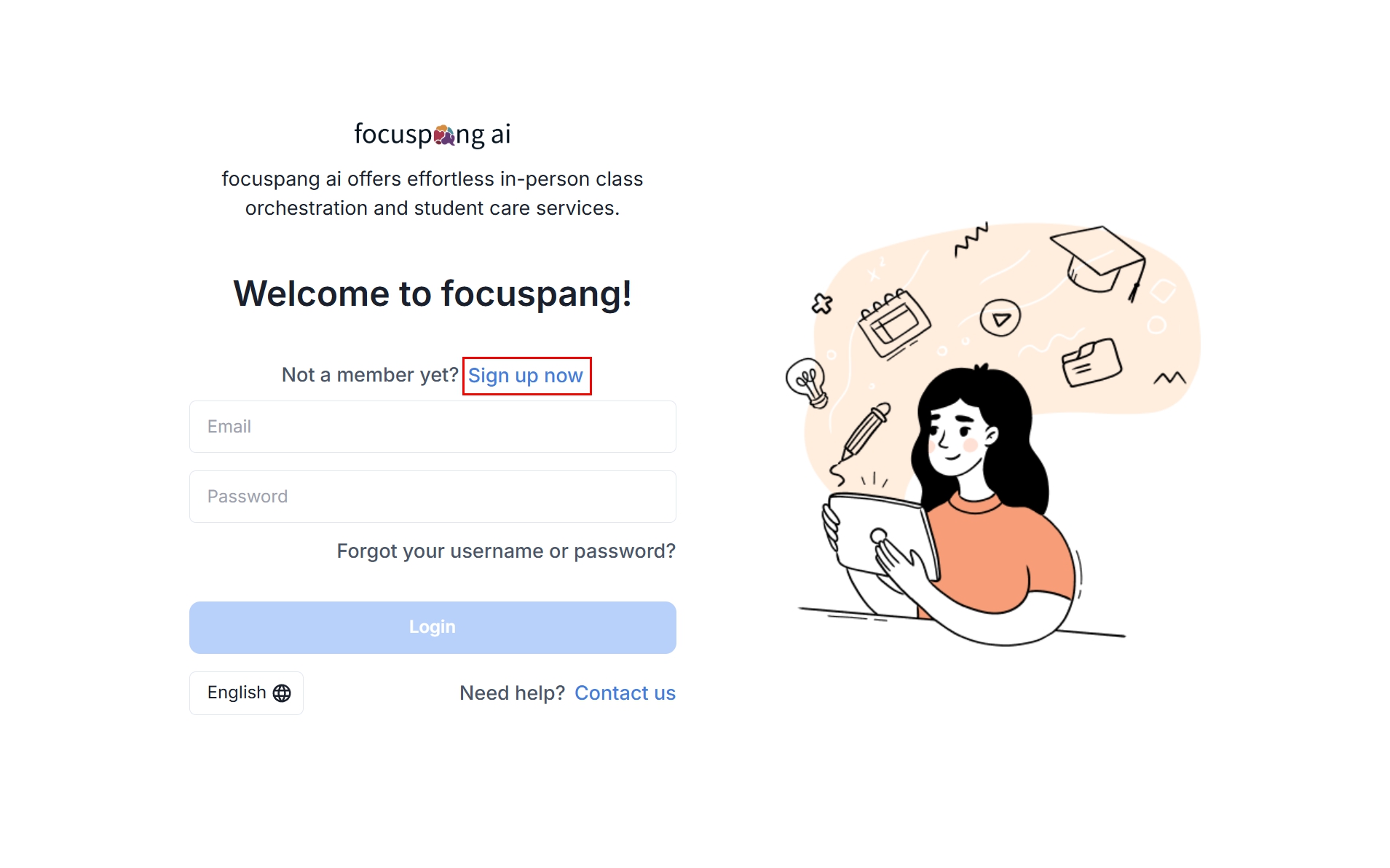
Registration process
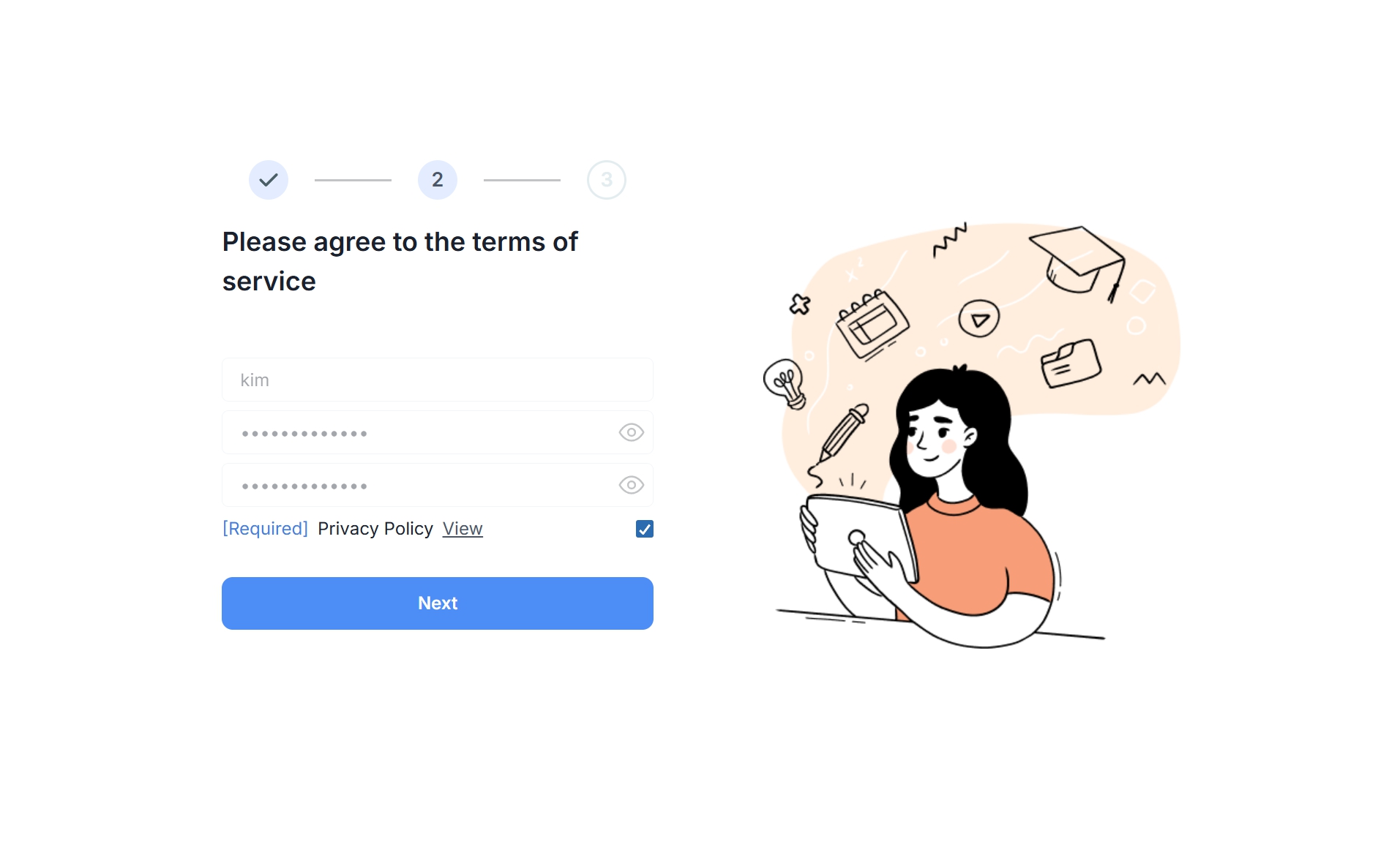
Follow these steps to complete your registration:
1. Email verification – Enter your email address and check the verification email. 2. Enter verification code – Type in the code you received by email. 3. Enter personal details – Fill in your name, password, and other basic information. 4. Agree to terms – Accept the Terms of Service and Privacy Policy. 5. Select your school – Choose the school where you work. 6. Finish registration – Click [Confirm] or [Next] to complete your registration.
During registration, consent is already obtained for the collection and third-party use of personal information. This means you do not need to submit a separate consent form.
Account Approval
Follow these steps to create your account:
-
Administrator check – After registration, your school administrator reviews your request.
-
Approval – The administrator approves your account.
-
Ready to use – Once approved, your account is activated and is ready to use.
For quicker approval, directly ask your school administrator. If you don’t know who the administrator is, check with the teachers’ office or IT department.
Login
How to log in
-
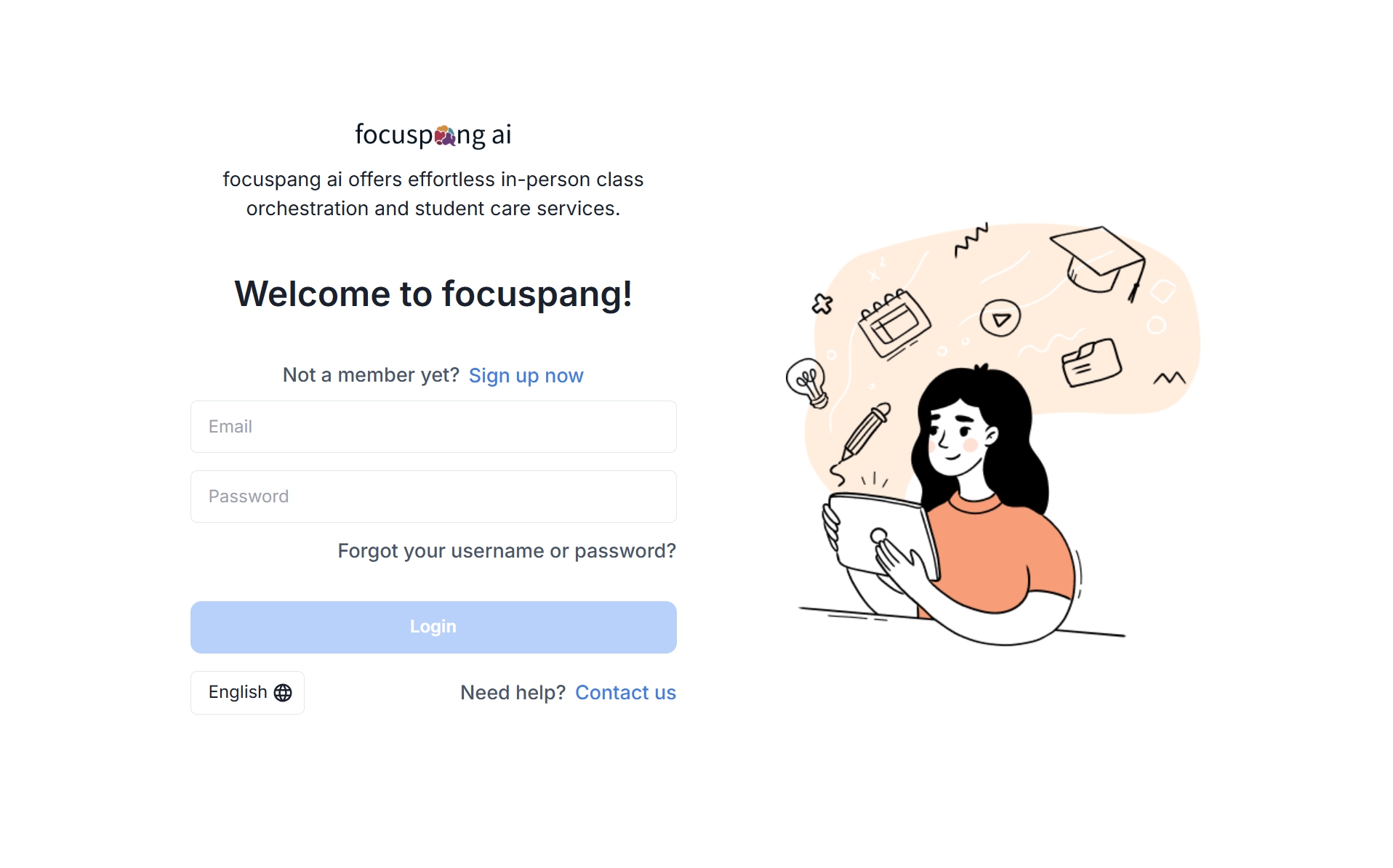
Go to the teacher site – Open the focuspang Teacher site.
-
Enter account info – Type in the email and password you registered.
-
Log in – Once verified, you’ll be taken to the main screen.
Common Issues
-
Pending approval – Your account hasn’t been approved by the administrator yet.
-
Incorrect password – The password you entered is wrong.
-
Wrong account info – The email address doesn’t match your registration.
-
Browser issues – Compatibility problems with non-Chrome browsers.
Steps to Resolve Issues
-
Check your approval status with the administrator.
-
Reset your password using the “Forgot Password” option.
-
Double-check the email you used for registration.
-
Use the latest version of Chrome browser.
First-time Setup After Login
Profile setup
-
Verify your personal details (name, contact info).
-
Add a profile picture so students can recognize you easily.
-
Enter the subjects you teach.
Security setup
- Change your initial password for security.
Lesson preparation
-
Enter your class timetable.
-
Create and set up your first class.
-
Explore key features in advance.