3. Joining Classes
Once you’ve logged in, you can start participating in various class activities!
Add Classes to Timetable
Entering a Class
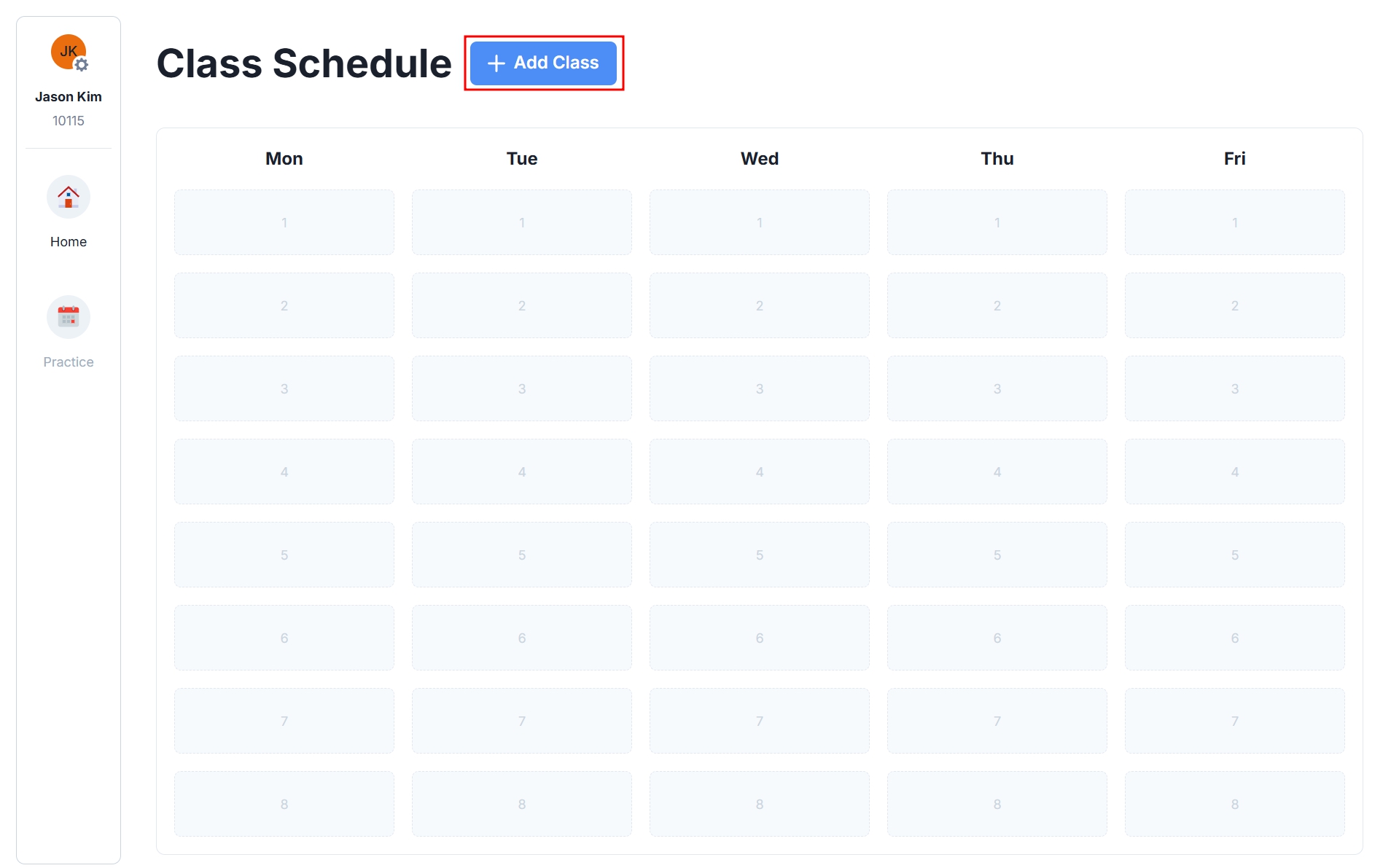
After logging in with an invitation code, your classes will automatically appear in the timetable. Click the class you want to join from the timetable to participate.
Adding a Class
If you want to join a new subject after logging in, you can add the class. Click the [+ Add Class] button next to the timetable on the main page.
Class Activities
FocusPang offers various activities to support learning:
- Add Classes: Organize your timetable by adding classes for each subject.
- Check Announcements: View important notices and class information from your teacher.
- Submit Assignments: Submit assignments online and receive feedback.
- Focus Time: Participate in focused study sessions to create an efficient learning environment.
- QuizPang: Review and check your understanding through fun quizzes.
- Group Activity: Collaborate with peers on projects and discussion activities.
Now, let’s look at how to participate in each activity in detail!