Class Announcements
📍 Class Schedule → Click the class in the timetable → Click [Announcement] in the left menu
You can read the announcements your teacher posts for your class.
Announcement list
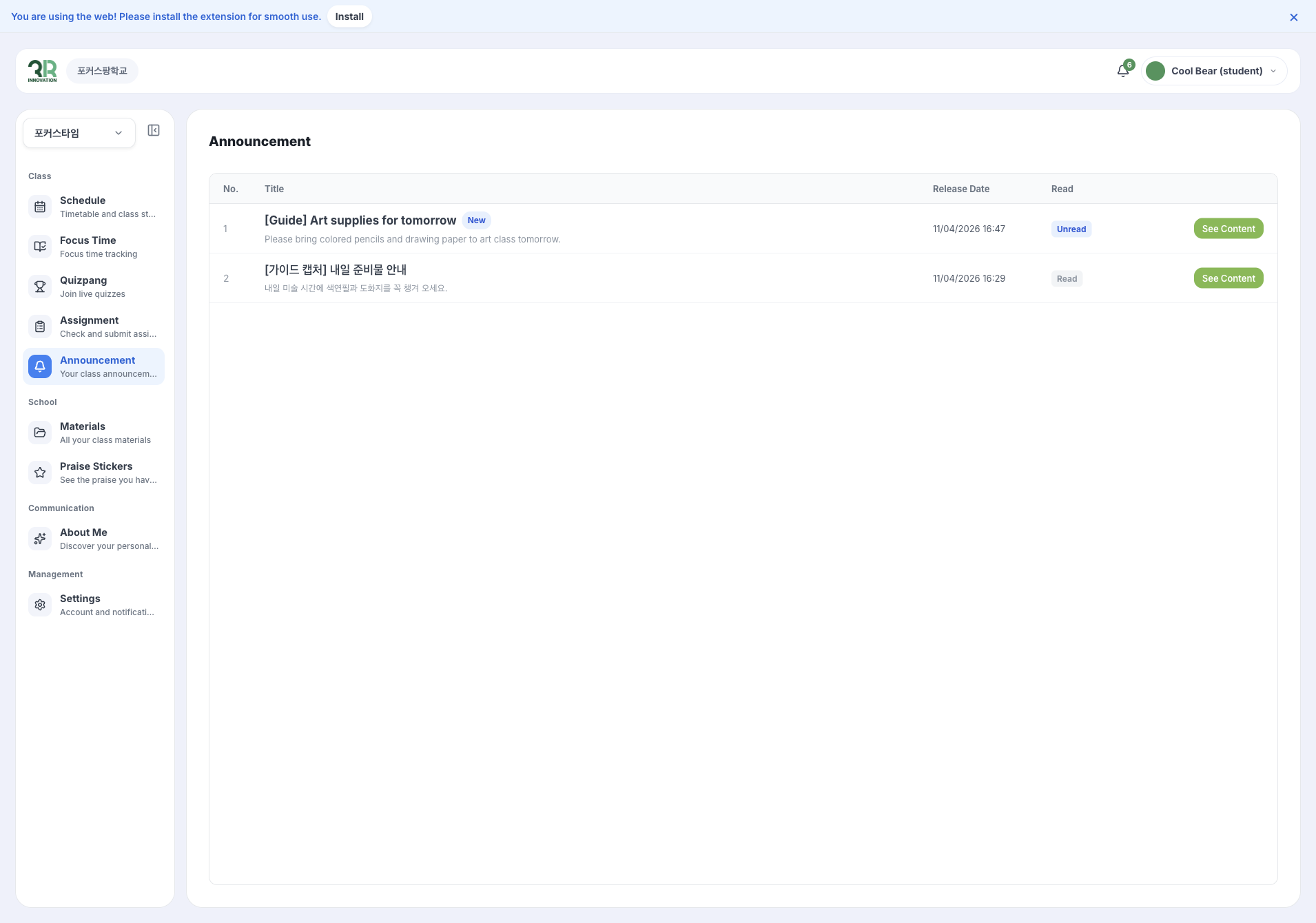
The list shows each announcement’s No., Title, Release Date and whether you have read it (Unread or Read). New announcements are marked New.
Click [See Content] to open an announcement.
note
If your teacher hasn’t posted anything yet, you see No class notices yet.
Reading an announcement
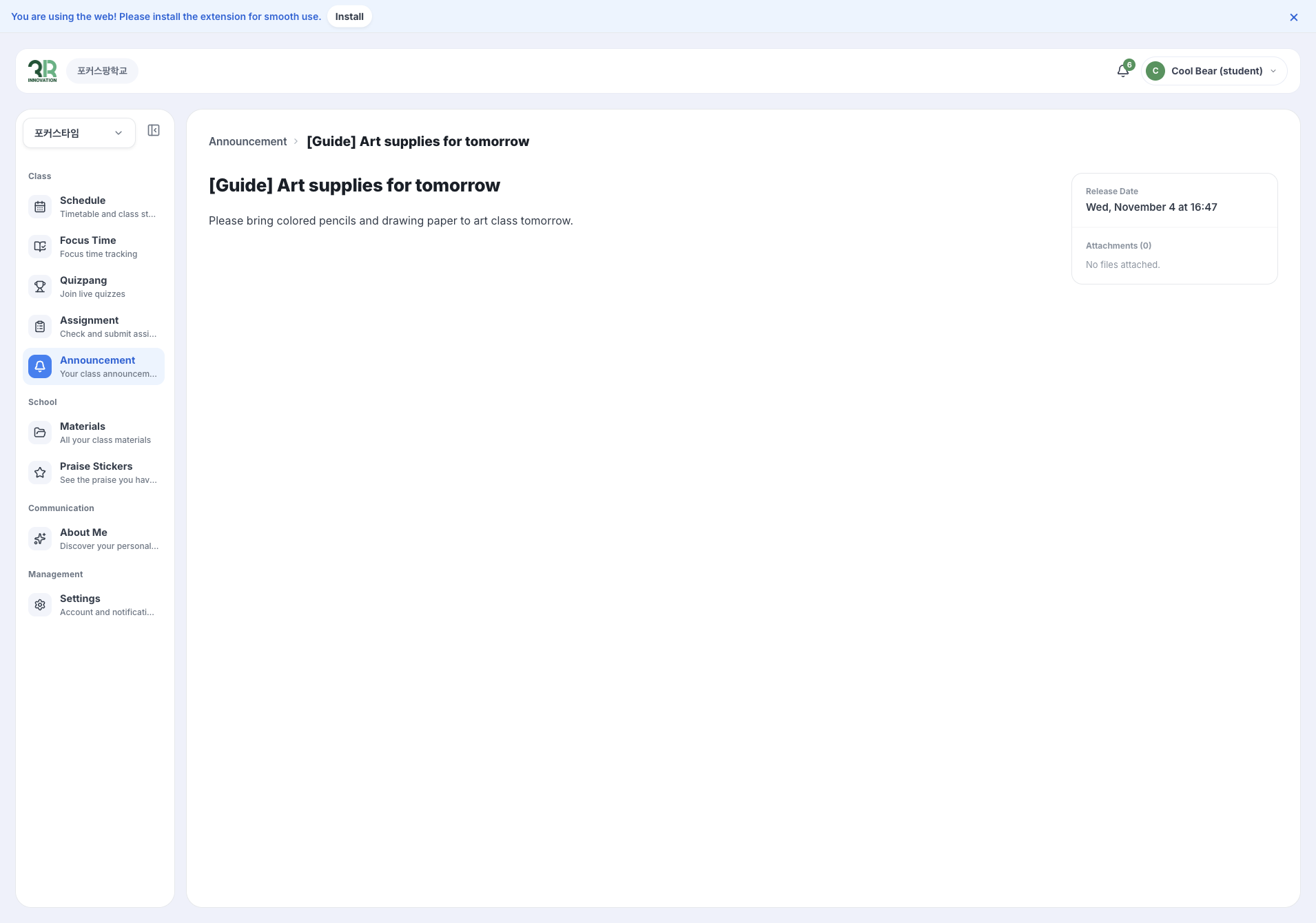
The announcement opens with its content. On the right you can see the Release Date and any Attachments.