Focus Time
📍 Class Schedule → Click the class in the timetable → Click [Focus Time] in the left menu
What is Focus Time?
During Focus Time, you can:
- See the board and the screen your teacher shares.
- Write on the board.
- Open links and files your teacher shares.
- Use only the websites and apps your teacher allows.
How to Participate
Step 1: Join Focus Time
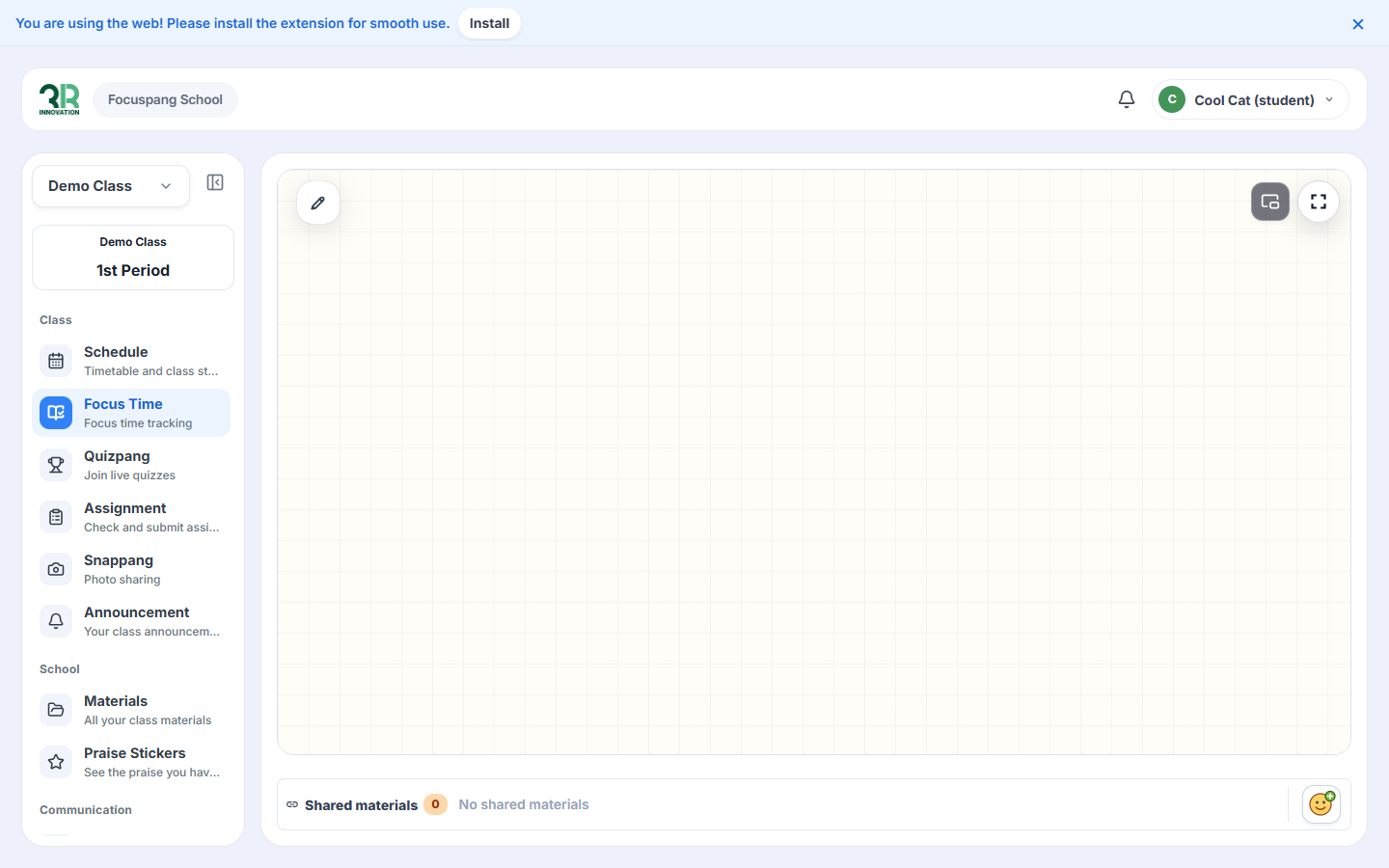
When your teacher starts Focus Time, open Focus Time in the left menu if it isn’t already open. The class board appears, and the class name and period are shown at the top of the left menu.
If your browser asks to share your screen or camera, choose Allow. Then your teacher can see your screen.
Step 2: Use the Features
1. Write on the board
Click the ✏️ pencil button at the top left of the board to write on it.
2. Full screen
Click the full screen button at the top right of the board to see it in full screen.
3. Shared materials
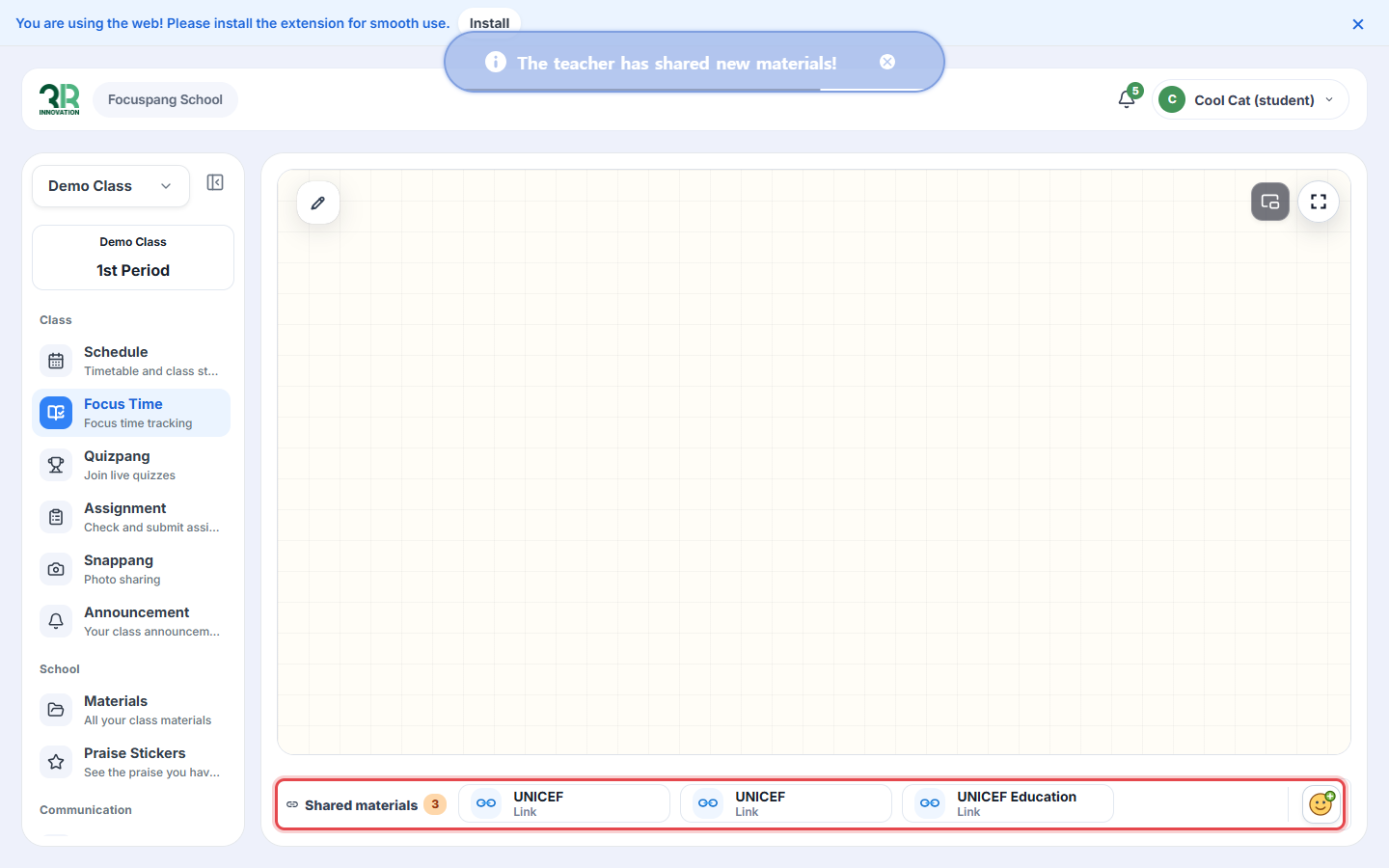
When your teacher shares a link or file, you see the message “The teacher has shared new materials!” and the item is added to Shared materials at the bottom. Click an item to open it.
When your screen is locked
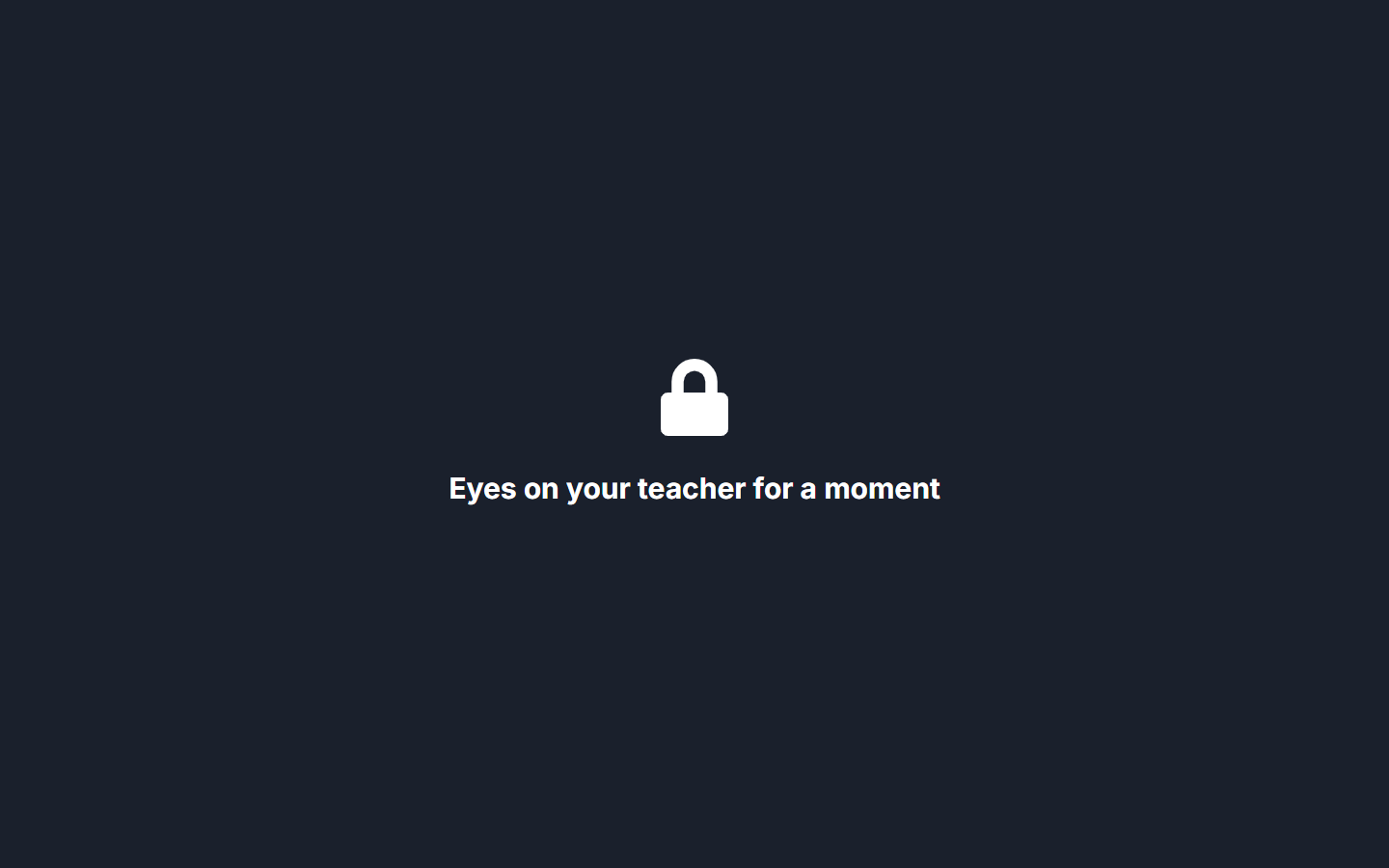
When your teacher locks the screens, your screen turns dark with the message “Eyes on your teacher for a moment”. Look at your teacher until the screen is unlocked.
When your teacher ends the class, you return to your timetable.