1. Admin Role
The focuspang administrator plays an important role in efficiently operating focuspang at school by managing teachers’ accounts and access rights.
Main Responsibilities of an Administrator
1. Account Management
- Approve new accounts: Review and approve newly registered teacher accounts
- Manage account information: Edit teacher information, reset passwords
- Manage account status: Suspend or delete accounts for leave of absence, resignation, etc.
- Manage student information: Edit basic details such as student names and IDs
2. Permission Management
- Grant administrator rights: Give administrator authority to other teachers
- Control access: Block unauthorized users from accessing the system
- Assign role-based permissions: Provide teachers with permissions suited to their responsibilities
Criteria for Selecting an Administrator
Administrators are usually chosen from the following positions:
- Head of IT/ ICT Coordinator: Oversees the school’s IT systems
- Computer teacher: Experienced in managing digital education tools
- Head of Academic Affairs: Supervises school administration
- Research Lead: Responsible for educational innovation and introducing new tools
Difference Between Administrators and Regular Teachers
- Administrators: Manage accounts, assign permissions, and oversee the system
- Teachers: Conduct classes, manage students, and carry out educational activities Administrators can also teach classes like regular teachers, but they have the added authority to manage accounts.
Administrator System Dashboard
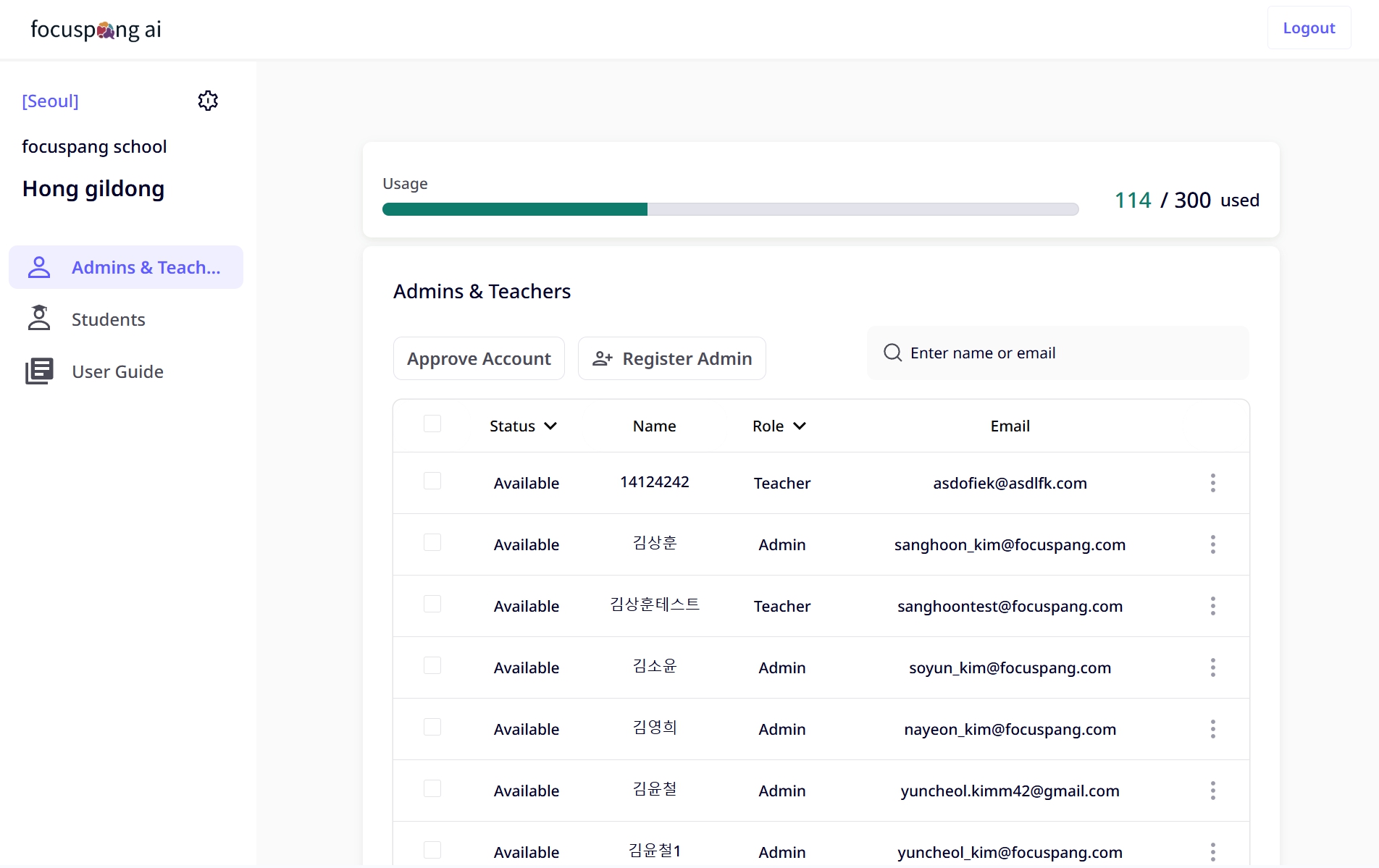
The administrator dashboard provides an overview of focuspang usage across the school and allows to perform management tasks